


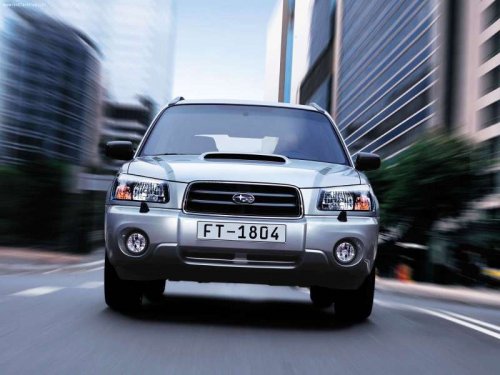
Subaru Forester
Subaru Forester
See also:
Operating the passengers’ windows
To open:
Press the appropriate switch down and hold it until the window reaches the desired
position.
To close:
Pull the switch up and hold it until the window reaches the desired position. ...
Security indicator light
Type A
Type B
The security indicator light deters potential
thieves by indicating that the vehicle is
equipped with an immobilizer system. It
begins flashing in the following ways. ...
Feature of distance marker
1) 3 feet (1 m) line
2) 6.5 feet (2 m) line
3) 10 feet (3 m) line
The distance marker shows the distance on the road. If there is a car or other
object close behind, distance cannot be correctl ...