


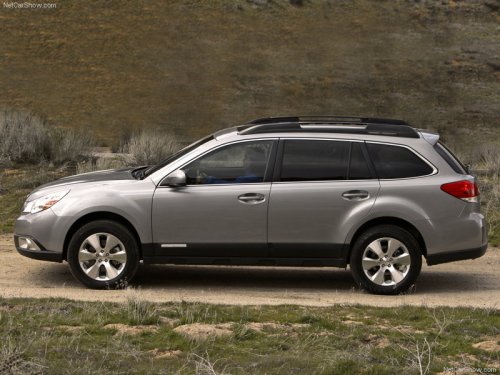
Subaru Outback
Subaru Outback
See also:
Behavior with key lock-in prevention function non-operational
● If the lock lever is turned to the rear (“LOCK”) position with the driver’s
door open and the driver’s door is then closed with the lock lever in that position,
the driver’s door is locked ...
Conditions in which front passenger’s SRS frontal airbag is not activated
The front passenger’s SRS frontal airbag
will not be activated when any of the
following conditions are met regarding the
front passenger’s seat:
- The seat is empty.
- The seat is equipped w ...
Front seats
- Never adjust the seat while driving
to avoid the possibility of
loss of vehicle control and of
personal injury.
- Before adjusting the seat, make
sure the hands and feet of rear
seat ...