


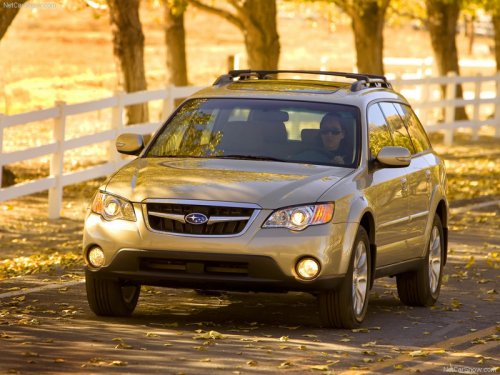
Subaru Outback
Subaru Outback
See also:
Driving tips
• On a road surface where there is a risk of wheelspin (for example, a snow- or gravel-covered road), you can pull away from a standstill (safely and easily) by first selecting the 2nd gear of the man ...
Fan speed control dial
The fan operates only when the ignition switch is turned to the “ON” position. The fan speed control dial is used to select four fan speeds. ...
Manual transmission models
Manual transmission models
The key can be turned from “Acc” to
“LOCK” only when the key is pushed in
while turning it. ...