


UP and DOWN buttons
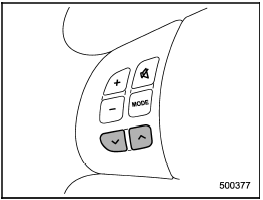
Models without Hands-free system
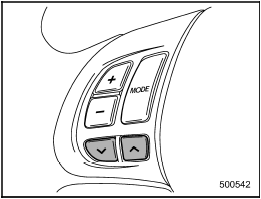
Models with Hands-free system
See also:
Models with SRS airbags and lap/shoulder restraints for driver, front passenger,
and window-side rear passengers
Your vehicle is equipped with a supplemental restraint system in addition to
a lap/shoulder belt at each front seating position and each rear window-side seating
position. The supplemental restrai ...
Remote start confirmation transmitter feature
Your remote engine start transmitter is equipped with a unique bidirectional
confirmation feature. This feature will allow the transmitter’s backlit button to
display the status of the system unde ...
Dimensions
*1: Measured with vehicle empty
*2: Models with 16-inch wheel tires
*3: Models with 17-inch wheel tires ...