


Folder selection
NOTE
- Selecting folders in this way is
possible only within a single disc.
- Only MP3/WMA/AAC folders are recognized
when an attempt to select the
next or previous folder is made. If no
appropriate folder exists on the disc,
pressing the “ ” or “
 ”
side of the
“FOLDER/PTY/CAT” button starts playback
beginning with the first track/file.
”
side of the
“FOLDER/PTY/CAT” button starts playback
beginning with the first track/file.
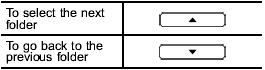
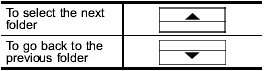
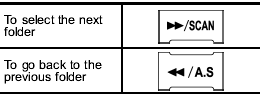
Press the following buttons briefly.
Type A and B audio:
Type C audio:
Type D audio:
See also:
Quick With the Six
The Outback's base engine — a 170-horsepower four-cylinder — delivers
leisurely acceleration, in large part because of a continuously variable
automatic transmission that's in no hurry to respond ...
Vehicle finder function
Use this function to find your vehicle parked among many vehicles in a large
parking lot. Provided you are within 30 feet (10 meters) of the vehicle, pressing
the “” button three times in a 5-seco ...
Gross Vehicle Weight (GVW) and Gross Vehicle Weight
Rating (GVWR)
Gross Vehicle Weight
The Gross Vehicle Weight (GVW) must
never exceed the Gross Vehicle Weight
Rating (GVWR).
Gross Vehicle Weight (GVW) is the
combined total of the weight of the vehicle, ...