


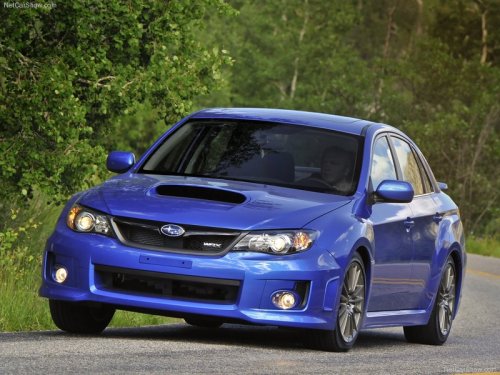
Subaru Impreza
Subaru Impreza
See also:
Volume control
Volume control
You can adjust the phone call volume, the
voice volume and the voice guidance
volume. Refer to “Volume control buttons”. ...
Vehicle Dynamics Control OFF mode
This mode allows only the ABS control.
This mode should be used in an emergency situation such as getting out of snow or mud.
When the switch is pressed for more than approximately 3 seconds during ...
Child safety
• Never hold a child on your lap or in your arms while the vehicle is moving. The passenger cannot protect the child from injury in a collision, because the child will be caught between the passenge ...