


Foreword
Congratulations on choosing a SUBARU vehicle. This Owner’s Manual has all the information necessary to keep your SUBARU in excellent condition and to properly maintain the emission control system for minimizing emission pollutants. We urge you to read this manual carefully so that you may understand your vehicle and its operation. For information not found in this Owner’s Manual, such as details concerning repairs or adjustments, please contact the SUBARU dealer from whom you purchased your SUBARU or the nearest SUBARU dealer.
The information, specifications and illustrations found in this manual are those in effect at the time of printing. FUJI HEAVY INDUSTRIES LTD. reserves the right to change specifications and designs at any time without prior notice and without incurring any obligation to make the same or similar changes on vehicles previously sold. This Owner’s Manual applies to all models and covers all equipment, including factory installed options. Some explanations, therefore may be for equipment not installed in your vehicle.
Please leave this manual in the vehicle at the time of resale. The next owner will need the information found herein.
FUJI HEAVY INDUSTRIES LTD., TOKYO, JAPAN
 is a registered trademark of FUJI HEAVY INDUSTRIES LTD.
 Copyright 2010 FUJI HEAVY INDUSTRIES LTD.
This manual describes the following vehicle types.*
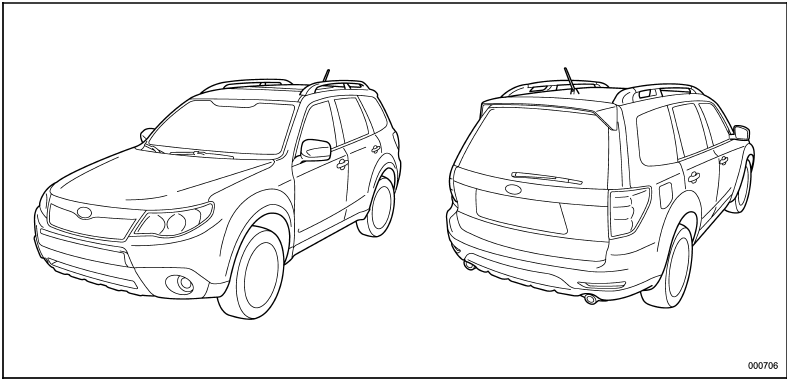
* The illustrated vehicle is one of the FORESTER series.
See also:
High/low beam change (dimmer)
To change from low beam to high beam, push the turn signal lever forward. When the headlights are on high beam, the high beam indicator light “” on the
combination meter also illuminates.
To swit ...
Key replacement
Your key number plate and security ID plate will be required if you ever need
a replacement key made. Any new key must be registered for use with your vehicle’s
immobilizer system before it can be ...
Headlights
To turn on the headlights, turn the knob on the end of the turn signal lever.
first position
Instrument panel illumination, tail lights, front side marker lights and license plate lights are on.
...