


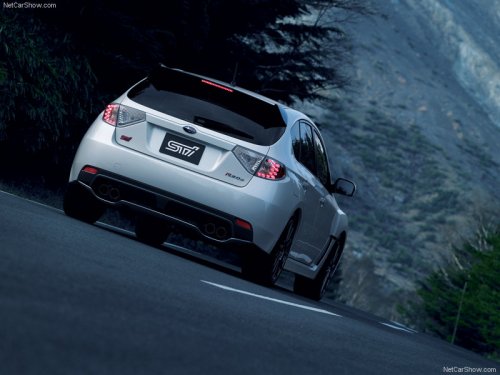
Subaru Impreza
Subaru Impreza
See also:
To increase the speed (by button)
To increase the speed (by button)
Push the “RES/ACC” button and hold it until the vehicle reaches the desired speed. Then, release the button. The vehicle speed at that moment will be memorized and t ...
Compass calibration
1. For optimum calibration, switch off all nonessential electrical accessories (rear window defogger, heater/air conditioning system, spotlight, etc.) and ensure all doors are shut.
2. Drive to an op ...
Warning and indicator lights
Several of the warning and indicator lights illuminate momentarily and then go
out when the ignition switch is initially turned to the “ON” position. This permits
checking the operation of the bul ...