


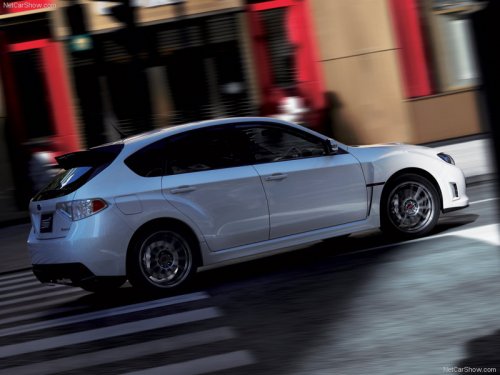
Subaru Impreza
Subaru Impreza
See also:
Photosensors
The mirror has a photosensor attached on the front and back sides. During nighttime
driving, these sensors detect distracting glare from vehicle headlights behind you
and automatically dim the m ...
Tire size
Your vehicle comes equipped with P-Metric tire size. It is important to understand the sizing system in selecting the proper tire for your vehicles. Here is a brief review of the tire sizing system wi ...
Coolant temperature low indicator light/Coolant temperature high warning light
CAUTION
● After turning the ignition switch to the “ON” position, if this indicator light/warning
light behaves under any of the following conditions, the electrical system may be
malfuncti ...