


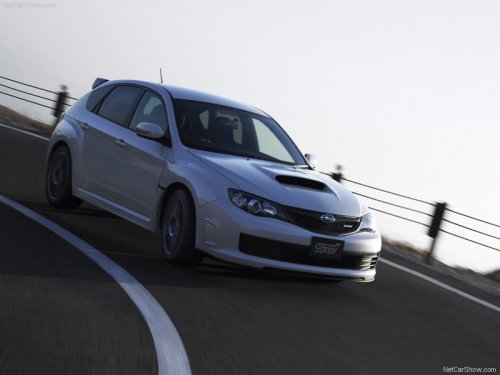
Subaru Impreza
Subaru Impreza
See also:
Vehicle capacity weight
The load capacity of your vehicle is determined by weight, not by available cargo
space. The maximum load you can carry in your vehicle is shown on the vehicle placard
attached to the driver’s ...
SUV Styling
Where previous generations looked more like tall wagons than SUVs, this
redesign moves the Forester a lot closer to what it purports to be. There are
still some windswept lines here and there, so ...
Cruise control
Cruise control enables you to maintain a constant vehicle speed without holding
your foot on the accelerator pedal and it is operative when the vehicle speed is
25 mph (40 km/h) or more.
WARNING
...