


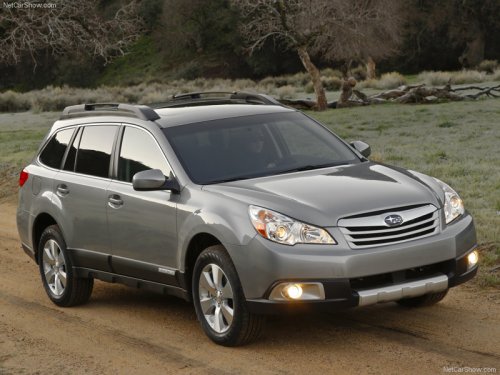
Subaru Outback
Subaru Outback
See also:
Stowage of the cargo area cover
The cargo area cover can be stowed in under the cargo floor.
1. To open the lid, pull the handle up.
2. To keep the lid open, hang the hook (provided on the back of the lid) on the
rear edge o ...
Select lever
: Shifting is possible with the
brake pedal
depressed.
: Shifting is possible whether the
brake
pedal is depressed or not. However,
while the ignition switch is in the “LOCK”
or ...
Changing the oil and oil filter
Change the oil and oil filter according to the maintenance schedule in the “Warranty
and Maintenance Booklet”.
The engine oil and oil filter must be changed more frequently than listed in
the mai ...