


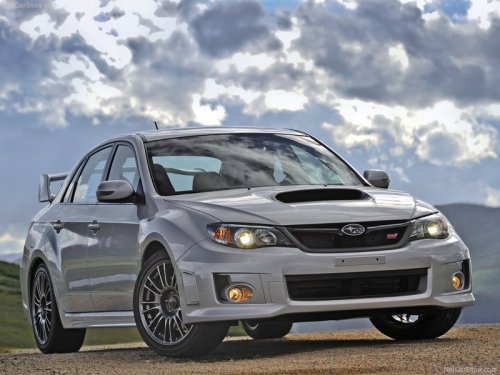
Subaru Impreza
Subaru Impreza
See also:
Refrigerant for your climate control system
Your air conditioner uses ozone friendly refrigerant HFC134a. Therefore, the
method of adding, changing or checking the refrigerant is different from the method
for CFC12 (freon). Consult your SUB ...
Coolant temperature low indicator light (if equipped)/Coolant temperature
high warning light (if equipped)
- After turning the ignition switch
to the “ON” position, if this
indicator light/warning light behaves
under any of the following
conditions, the electrical system
may be malfunctio ...
Gasoline for California-certified LEV
If your vehicle was certified to California’s
low emission vehicle (LEV) standards as
indicated on the underhood tune-up label,
it is designed to optimize engine and
emission performance with ...